Morning Range v2
Morning Range Indicator
Start here to add the indicator, understand what it does, and use the signals the right way.
How To Add the Indicator
Step 1, Get Your TradingView Username
1
Go to TradingView.com and sign in (or create a free account).
2
Click your profile icon in the top-right corner, your username is shown below your display name.
3
Copy that username exactly, you'll need it to receive indicator access.
Step 2, Add the Indicator to Your Chart
1
Open TradingView and go to any chart. Click Indicators in the top toolbar.
2
Click Invite-Only Scripts in the left sidebar, the Morning Range Indicator will appear there once access is granted.
3
Click the indicator name to add it to your chart. It will auto-draw pre-market levels and signals.
What It Does
- ✓ Draws the opening range, pre-market levels, weekly levels, and daily pivot automatically.
- ✓ Gives BREAK / RETEST and SUP BUY / RES SELL signals around those levels.
- ✓ Uses confirmation and cooldown logic so the chart stays cleaner.
- ✓ Supports alerts so setups can reach your phone or desktop.
100% free. Just add to TradingView.
This tool is a decision framework, not a prediction engine. Signals can fail in choppy, low-liquidity, or headline-driven sessions.
How To Trade v2
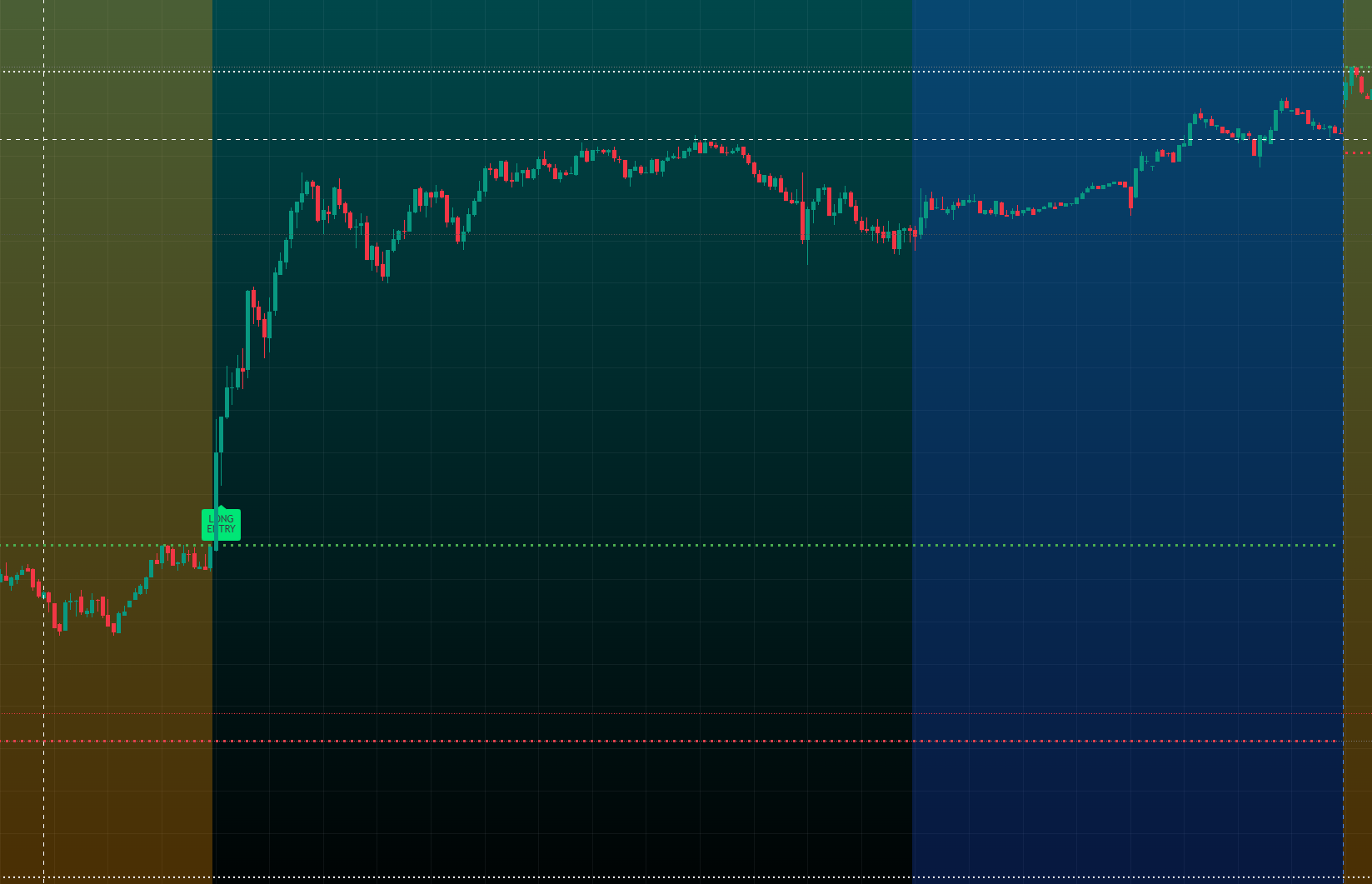
1Trend day: wait for the OR break and retest, then use PM High or PM Low as the first target area.
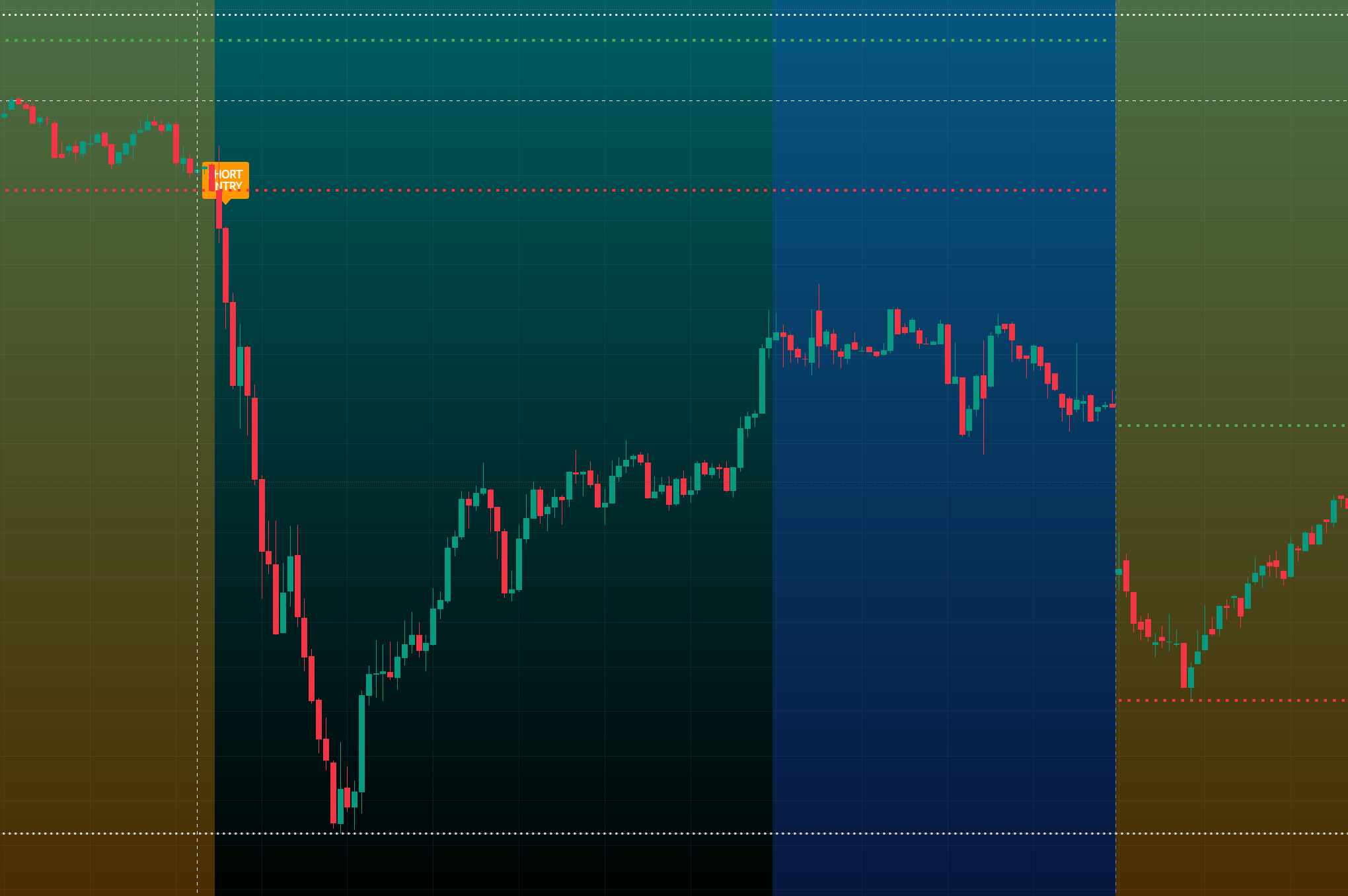
2Range day: use rejection logic at OR, PM, or weekly highs/lows instead of forcing breakouts.
3Risk first: skip the open noise, avoid unclear level interaction, and do not force low-quality setups.
Examples
Also Included
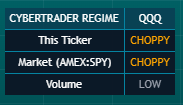
Regime Dashboard is included with the Morning Range Indicator bundle (also accessible with ELITE / HUB subscription). Use it to quickly read ticker state, market state, and HI/LOW volume before entries.
Also free from CYBERTRADERS
FREE CyberTrader AI Lite, Add to TradingView in 60 seconds →