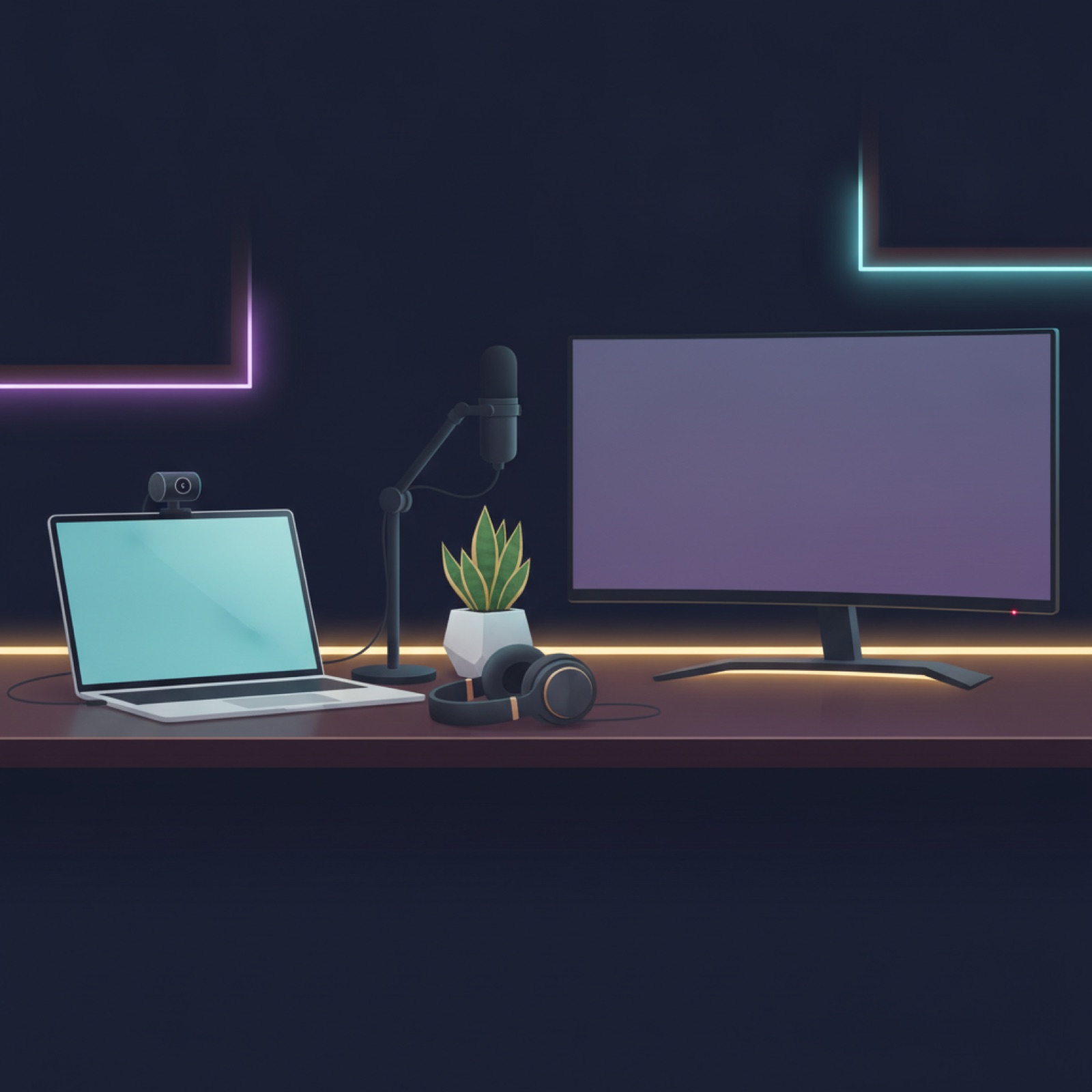
The honest minimum
Most AI training work runs in a browser, which means the barrier is low: a reliable computer and a stable internet connection cover the majority of roles. You do not need a powerful machine, expensive peripherals, or special software to start. People delay starting because they think they need a professional setup; they do not. The minimum is genuinely modest.
Start with what you have. You can always upgrade once you are earning.
What actually matters
A few things do make a real difference.
| Need | Why it matters | Priority |
|---|---|---|
| Reliable computer | Runs the browser platform | Essential |
| Stable internet | Avoids lost work and lag | Essential |
| Comfortable chair and desk | Long focus sessions | High |
| Second monitor | Guidelines open beside tasks | Nice to have |
| Good headphones | Audio and transcription work | Role-dependent |
For gear worth adding as you grow, see our remote work gear picks.
Habits that beat hardware
Your setup matters less than your working habits.
- Keep guidelines open, ideally on a second screen or split window
- Work in focused blocks with short breaks to stay accurate
- Bookmark your task lane so you can start without friction
- Protect a quiet window for careful work
What you can skip
You do not need a high-end laptop, a fancy webcam, paid courses, or special AI software to do this work. Be especially wary of anyone selling a required toolkit or system; legitimate work never asks you to buy something to start.
Red flag: any opportunity that requires you to purchase specific software or equipment before you can work. Real AI training runs on standard tools and never charges you to begin.
Start with what you have
The setup barrier for remote AI work is low by design. If you have a reliable computer and internet, you are ready. Take the quiz to find a fitting role, or browse live openings.
Frequently Asked Questions
What equipment do I need for remote AI work?
For most roles, just a reliable computer and stable internet. The work runs in a browser and does not need a powerful machine or special software.
Do I need a powerful computer?
No. Most AI training and evaluation runs in a browser, so a modest, reliable laptop is enough. Audio and transcription roles benefit from good headphones.
Is a second monitor worth it?
It helps but is not required. Keeping the guidelines open beside your tasks improves accuracy, which a second monitor or a split screen both achieve.
Do I need to buy software or a course?
No. Legitimate AI work never requires you to purchase software, equipment, or a course to start. Any such requirement is a red flag.
What matters more than hardware?
Working habits: keeping guidelines open, working in focused blocks, reducing friction to start, and protecting a quiet window for careful work.
How do I know the Tools and Setup You Need for Remote AI Work are not a scam?
Check three things: the platform is named and has a real product, money flows to you and never from you, and payment runs through standard rails such as PayPal, Stripe, or Wise. Every option listed here clears all three. Anything asking for a fee, gift cards, or crypto to get started is not worth your time.
Do you need a degree or prior experience for the Tools and Setup You Need for Remote AI Work?
Not for the entry tier. Generalist evaluation work rewards careful judgment and clear writing more than credentials, so beginners with no experience are regularly accepted. A degree or professional background does matter for the specialist tiers.
Can I do the Tools and Setup You Need for Remote AI Work part time while working full time?
Yes, and most people do. The work is asynchronous and project-based with no set shifts, so you pick up tasks around your schedule, typically evenings and weekends. There is no minimum hour commitment on the major platforms.
You are probably already set up
Take the quiz to find a fitting role, then browse live openings on the NeonLabs Hub job board.
Browse open roles →